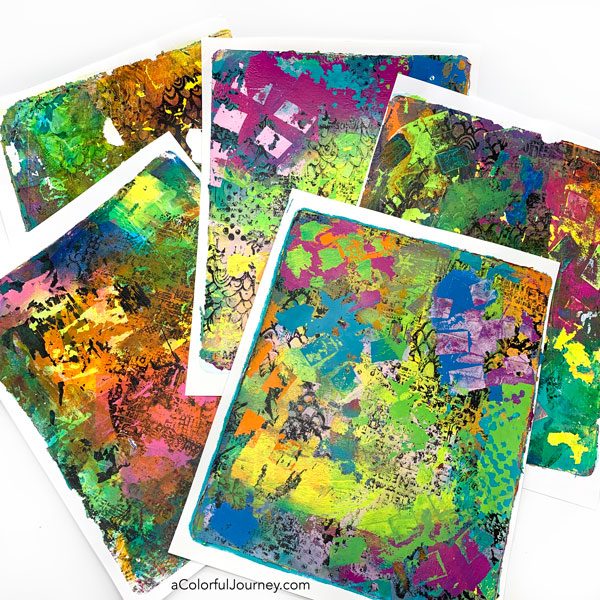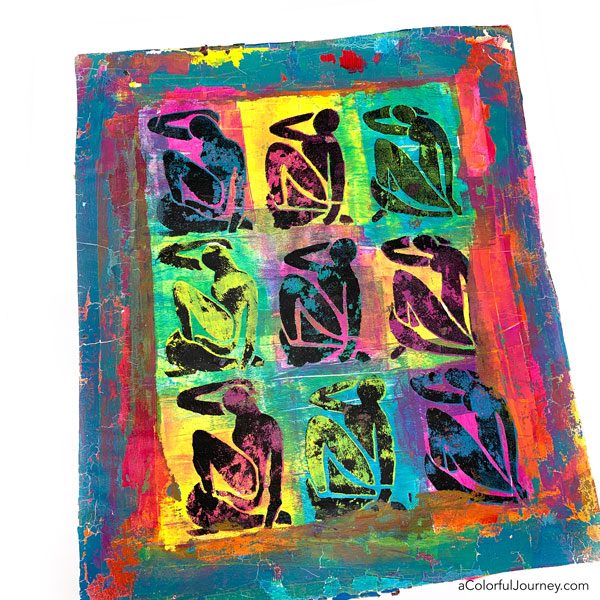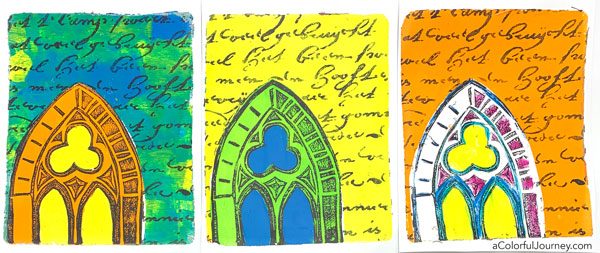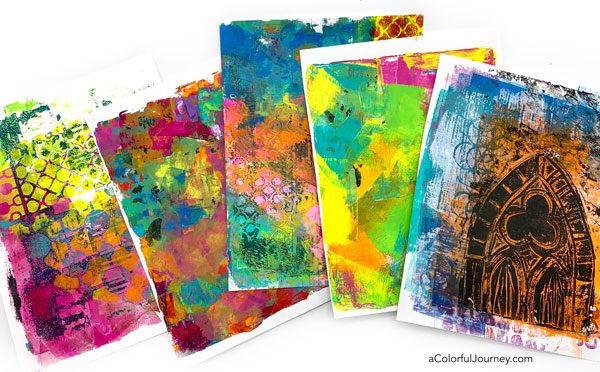

Being able to add an image, some fancy script, or anything else to mixed media piece is why I have been drawn to image transfers. But I’m impatient and the image transfer process has never been very successful for me, until now.
I stumbled upon InkAid’s process using Transferiez solution and now I can do an image transfer quickly, within two minutes! I’ve got the entire process for you and what you need to know to get started. And InkAid has a starter kit you can order to just try a little of this to see how you like working with it.
You might also want a few images to try the process out with, so I’ve put together a sheet of them for you. You can sign up to have them emailed to you here. Also, there’s a pdf of the steps so you can have that right next to you as you’re doing it.
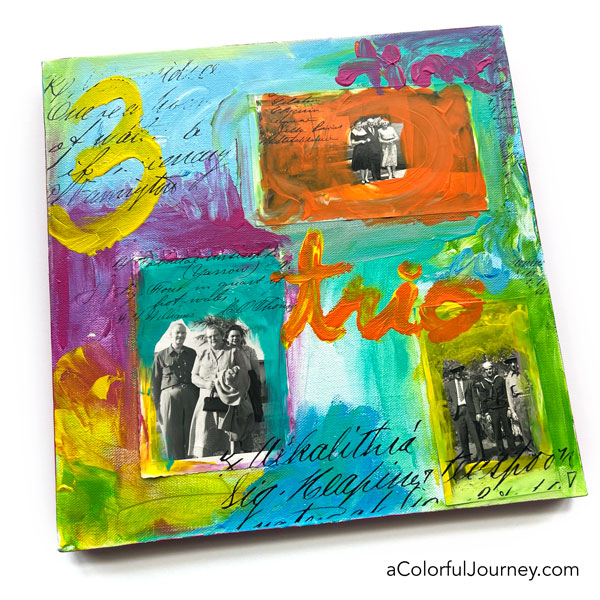
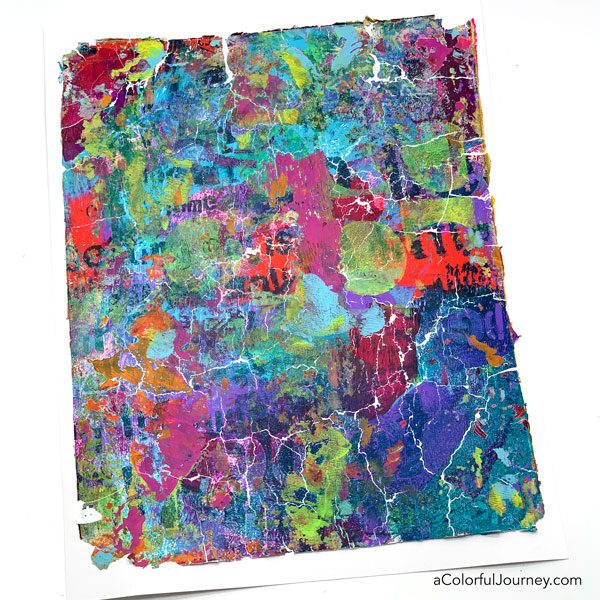
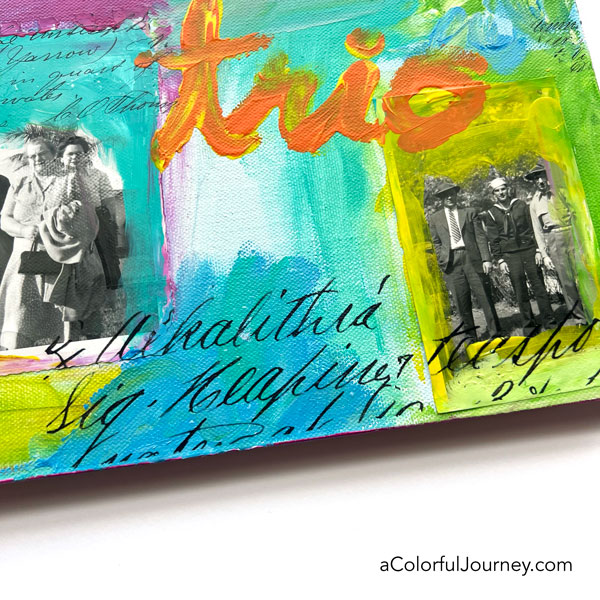
I tested it out the process on this canvas by adding the fancy vintage writing as transfers. On the painted, mixed media surface, it transferred! This stuff will transfer onto painted surfaces, old book text, fabric, metal, wood, just about any mixed media surface!
To create an image transfer you’ll need:
- the Transferiez solution mixed in a jar with a tight lid
- an inkjet printed image printed on InkAid’s Transfer Film (preferably pigment based).
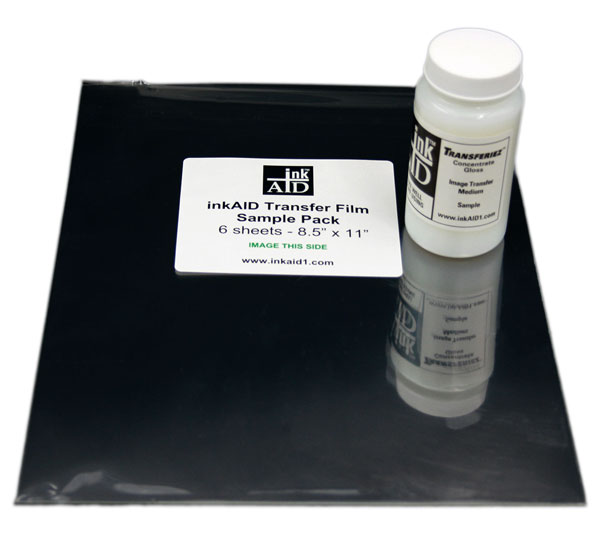
Printing on the Transfer film.
The transfer film has a coating on one side. You want to print on that side using an Inkjet printer.
Did you know inkjet printers have two kinds of ink? Pigment or dye.
I’ve done this will both dye and pigment based printers and they work, but the pigment based works best. And if you never realized that inkjet printers have two kinds of ink in them, me either until I started doing this!
Check if your printer uses pigment or dye based ink simply by googling: Is (enter the make and model of your printer) ink cartridge pigment ink? Keep reading to see impact of the two types of ink. It wasn’t what I expected.
Reversing Text: If you’re transferring anything with words, you’ll need to reverse the image. Often printers have an option to reverse or mirror the image or you can use a photo editing software.
To create the Transferiez solution you put 4 ounces of 91% isopropyl alcohol in a jar. Next, add 1 tablespoon of the Transferiez concentrate. Put the lid on and mix by swirling the jar. The lid is important so the alcohol doesn’t evaporate.
The liquid will become cloudy and will need 3-4 hours to fully bond, bind or do whatever it does to become clear and thicken up. It’s a good idea to swirl the jar every now and then during those 3-4 hours. But after that, it’s all ready to go, no waiting!
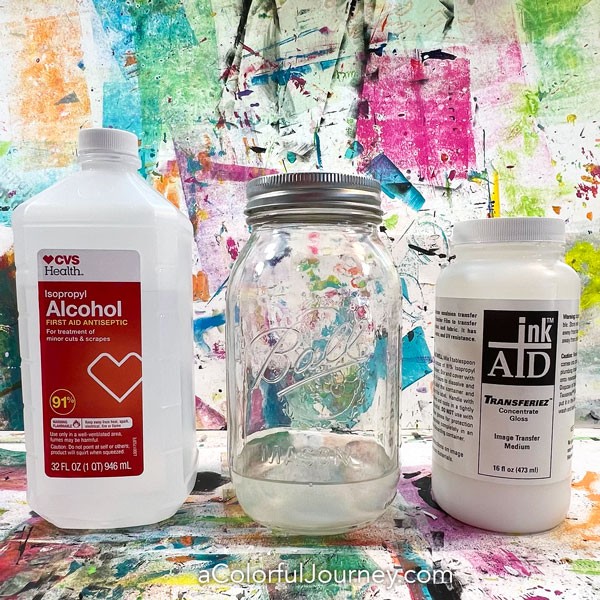
InkAid says it will last a 2-3 days but what I’ve found is it lasts a lot longer than that. I suspect that is because I keep the lid on it to prevent as little alcohol from evaporating as possible. But what makes it not “good” or not work? When the solution gets cloudy. So long as the solution is clear, it’s good to use! I’ve had a jar of it for over a month and it was still clear and worked great.
Now that the Transferiez solution is ready, let’s make a transfer!
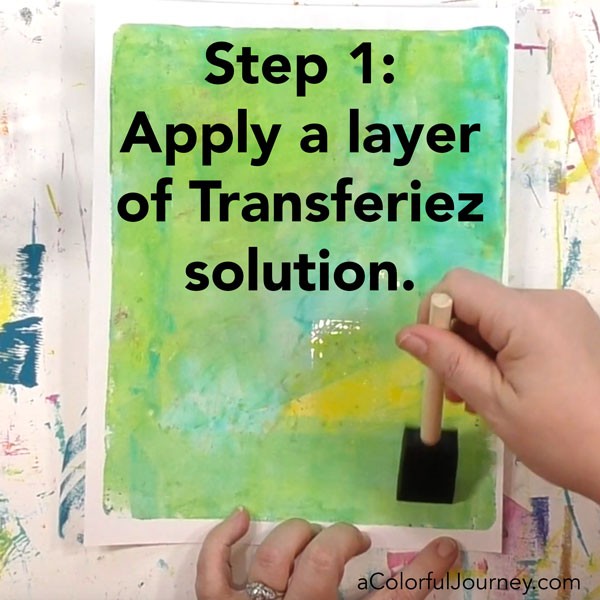
Step 1: Apply a layer of Transferiez solution with a foam brush. I try to cover an area larger than my image. You’ll want the area fully covered and juicy, but not too much or too little. Later in this post, I explain more about that.
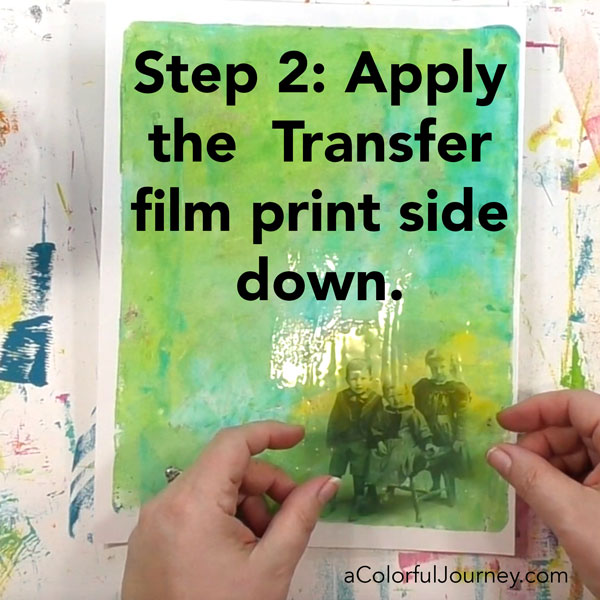
Step 2: Apply the Transfer film print side down. If you’ve got words or text, you’ll need to reverse those before you print. Often printers have a mirror or reverse image setting that will do it for you.
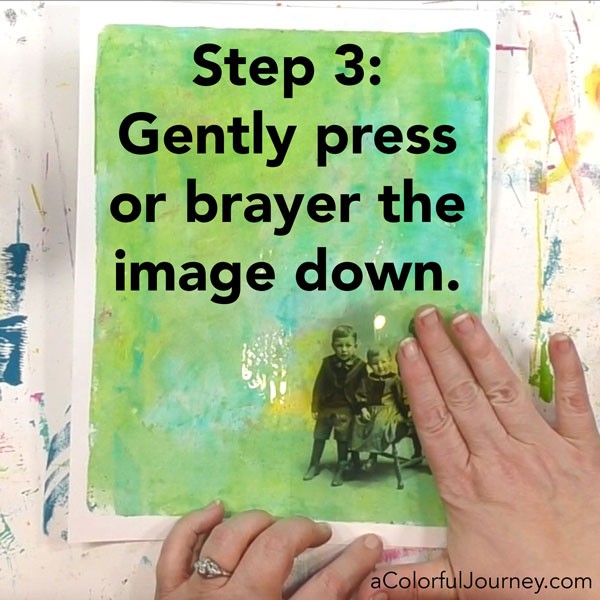
Step 3:You’ll want to gently press the image down. I am very inconsistent when I used my hands so I prefer to very gently use a brayer to roll over it.
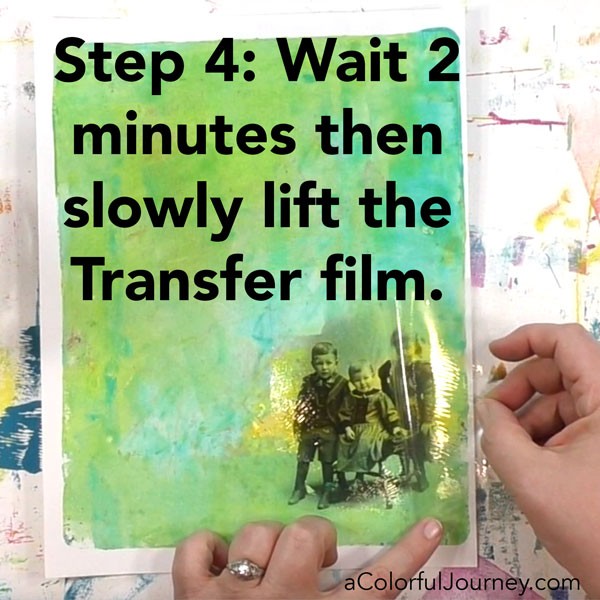
Step 4: Wait 2 minutes then slowly lift the Transfer film.
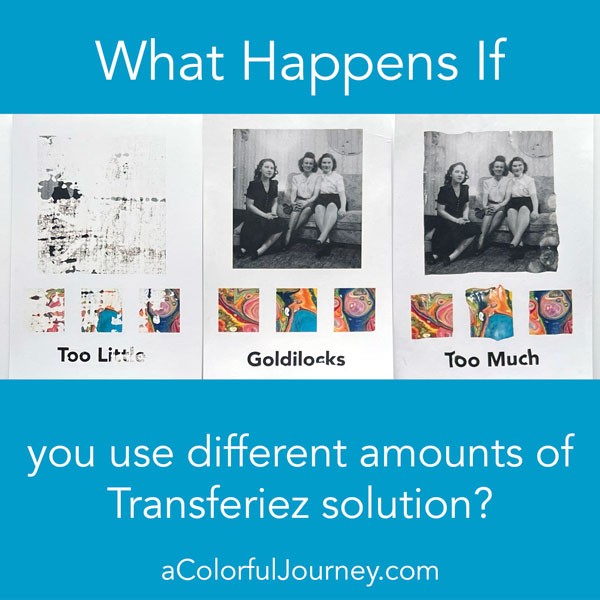
Is it hard to get the proper amount of Transferiez solution? This is actually a forgiving process. I tested if anyone could do this by showing Dave, the husband, how to do it and letting him try. He nailed it first time even though he no confidence he was getting the “right” amount of solution on there.
But what happens if you use too little or two much Transferiez solution? Well, too little means very little of the image will transfer. Too much means it can slip and slide and distort more easily. So how do you figure out the best amount for you to use? Trying it a couple of times. That’s where the InkAid starter pack is so handy. 6 sheets of Transfer film and more than enough Tranferiez concentrate to do it.
Pigment vs. dye inks
Apparently, inkjet printers can have two kinds of ink, pigment or dye. I did a side by side experiment to see what difference it made using pigment or dye inks to the transfer process.
What I found is that dye based ink would smear more easily. That’s why the white writing in the pink is so blurred on the right side, it was dye ink. The pigment ink on the left, held all the detail. Also, notice the detail in the others colors in the pigment ink compared to the dye based image.
But then I expected that to happen with the second set of images, and they didn’t smear the same way. But the image didn’t transfer as well either. So my take away is that dye based ink is very unpredictable compared to pigment ink.
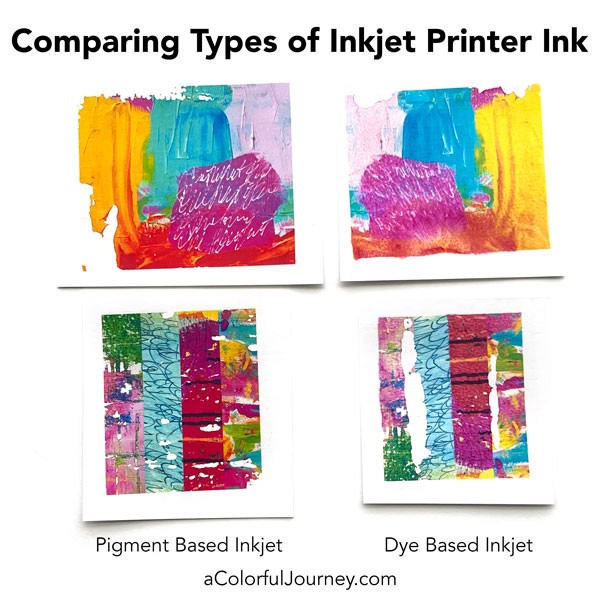
So what does this mean for you? If you’ve got an inkjet printer that has all dye inks, you can still do transfers, it just may be more unpredictable. If you’ve got an inkjet printer that has pigment black and dye colors (a common thing I found out), then you can get more of a pigment ink look when doing black and white and then colors are less predictable.
This is where the starter pack from InkAid is so helpful, for you to give it a try using your printer. And if you’re wondering what to print on the Transfer film, I’ve got a free sheet of images I can email to you. I’ll be sharing more image transfer play and videos, so keep an eye out for those!