
≡ Menu

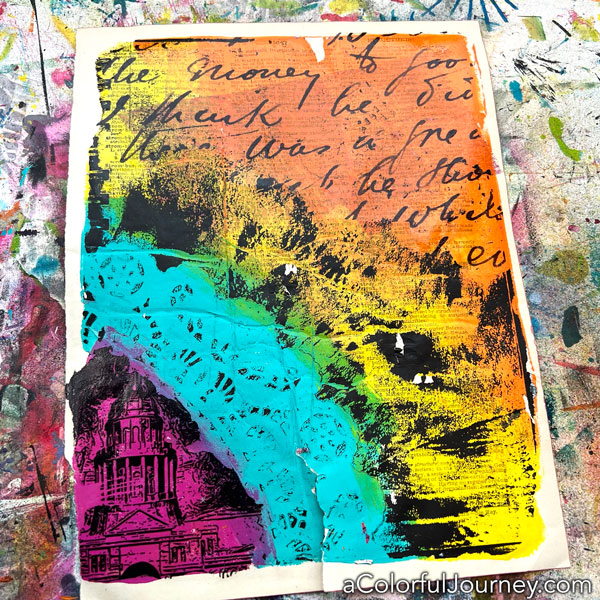
Ever have a gel print that you really like but you know it needs more? That’s where I was with this print. That pink area was calling to me, so to get focal image there I used the InkAid image transfer process.

Before starting, the paint on this print was completely and thoroughly dry. How’d I make the print? Using a doily and a Gel Press plate.
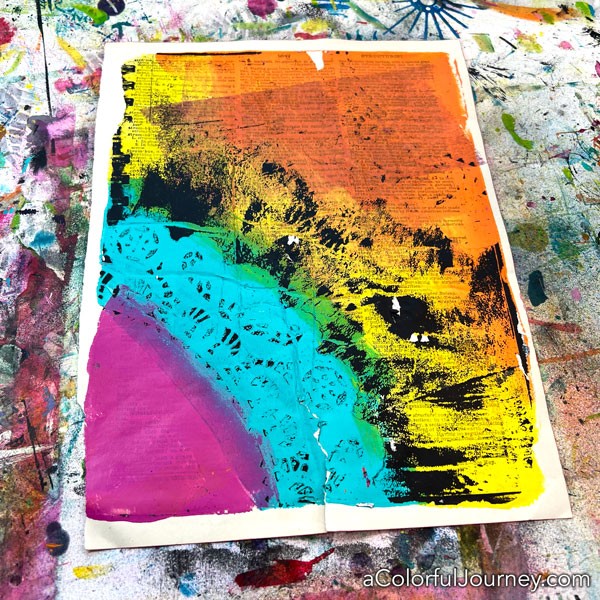
On the InkAid Transfer Film, I printed a photo I took in Austin, Texas. The photo is not the exact shape or size of the pink area and you’ll see why that isn’t a problem.

The Transfer Film works with inkjet printers that use pigment ink. What does that all mean? How do you find out if your printer uses pigment inks? I’ve got all that in a video showing you the entire process from start to finish of doing an InkAid image transfer.
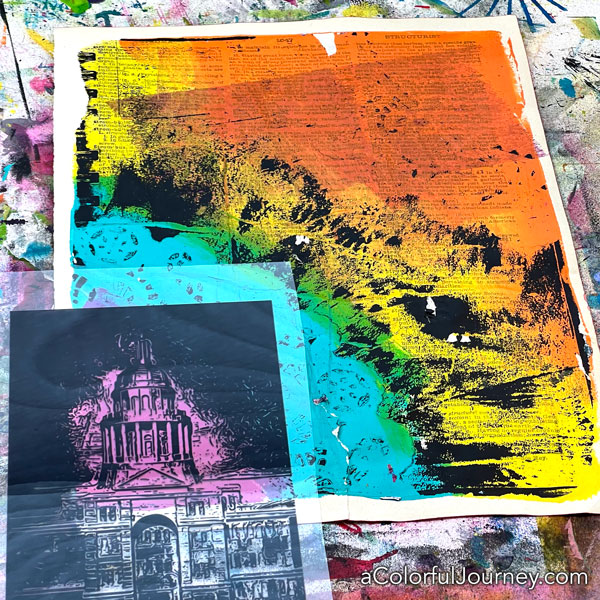
Now that I know where the image will go, it’s time to add the Transferiez solution (made with 91% isopropyl alcohol and Transferiez concentrate). How to mix it is also in the InkAid process video.

I only added it on the pink area, so that’s the only area where the image will transfer.

Once you’ve got the Transferiez solution on there you put the image on it, printed side down. You can tell which side it’s printed by touching it. The printed side has a rougher feel to it.

Gently press the image into the solution. You can use your fingers or a brayer. I’m very inconsistent when I use my hands, so I prefer to very gently use a brayer.

Set a timer for 2 minutes and wait.
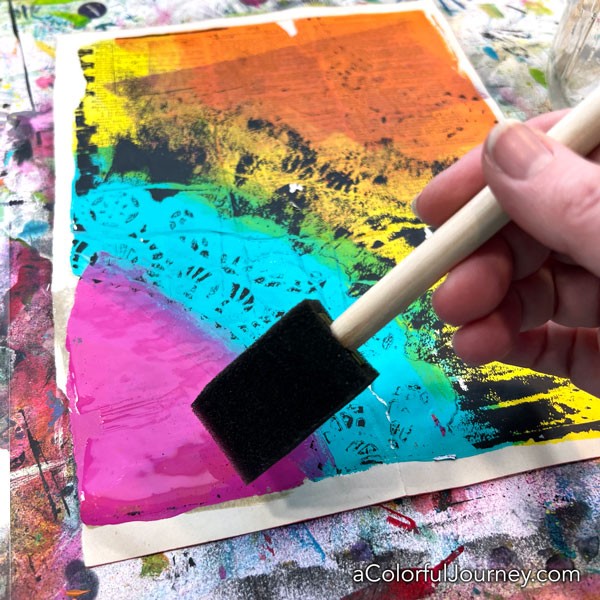
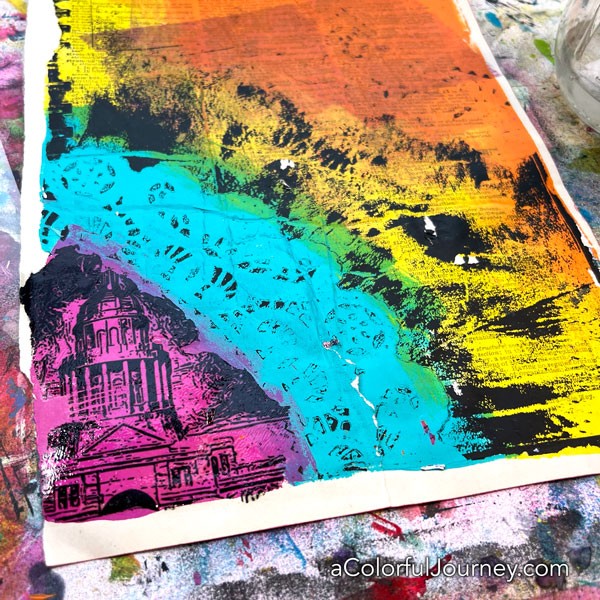
When your timer goes off, slowly and gently lift off the Transfer Film. Without any measuring, any careful thought, the image was only in the pink.

Why? Because that is the only place where the Transferiez solution was.

What about the part of the image that wasn’t used? You bet I’m saving that and will use that in a future something. I will use every bit of the Transfer Film.
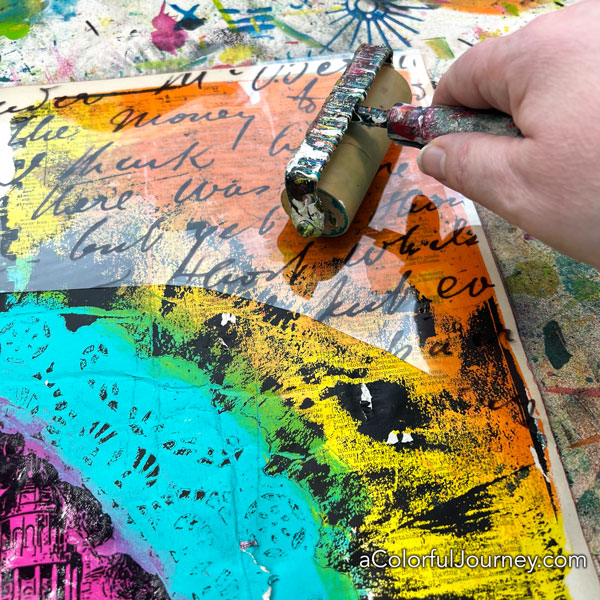
Another perk of image transfer that I take full advantage of is the ability to audition images. Before I added the solution, I placed the Transfer Film with the script writing on gel print to see if I liked how it looked. I did, so I added the solution and did the transfer.

Happily, I liked how it looked. But the nice part is that if I don’t like how an audition goes, I can simply grab another image before committing.
Once you’re peeled back the Transfer Film it will take few minutes for it to dry.
If you’re wondering what to print on the Transfer film, I’ve got a free sheet of images I can email to you. If you’re curious about the InkAid image transfer process, they’ve got a Starter pack so you can give it a try. And you can do this process on more than just paper. It works on wood, metal, fabric and more!
{ 5 comments }

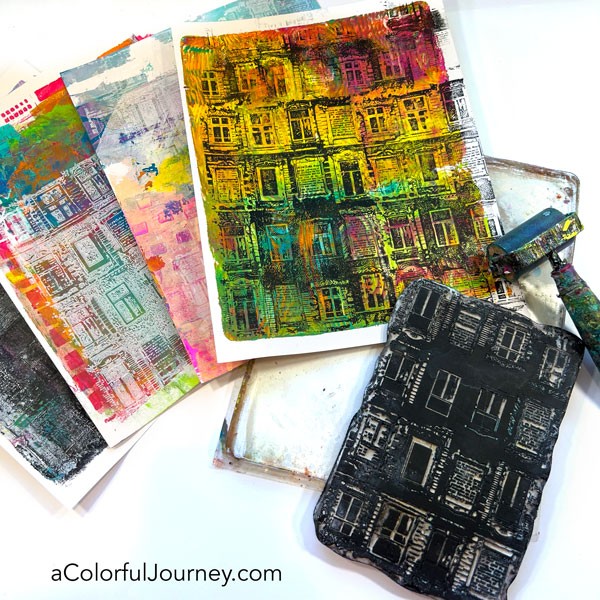
Stamping with paint is so much easier when you use a Gel Press plate. Why? Because the gel plate acts at the “ink pad” and enables you to get the fine details in the stamp using paint. As a bonus, not a drop of the paint has to be wasted!

In the video you’ll see how I stamp with black and white, yes, white that actually shows up and is bright white, as I add layers to gel prints. The stamp I’m using is by Carabelle Studio. If you like rubber stamps, check them out!

But how to do you clean the stamps? I’ve got you covered! In the video, I share an easy way to get them clean.

One of the prints I worked on was made with a wood graining technique. Below is the video for how to make faux woodgrain prints using a tool from the hardware store.

Stamping on prints is a great way to add layers, especially to prints that aren’t your favorites. One of these prints I didn’t like much before the stamping, but now love love love it! So if you’re ever looking for ways to create layers, try using rubber stamps with your gel plate!

Here are the supplies used. Some of these links may be affiliate links which means I get a small percentage and it doesn’t cost you anything extra! It doesn’t cost you anything extra and you get a really good feeling knowing that you are helping keep the free tutorials coming!


{ 0 comments }

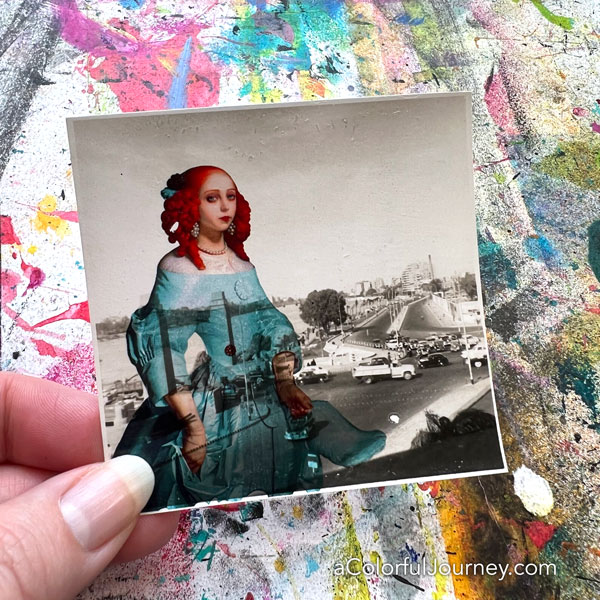
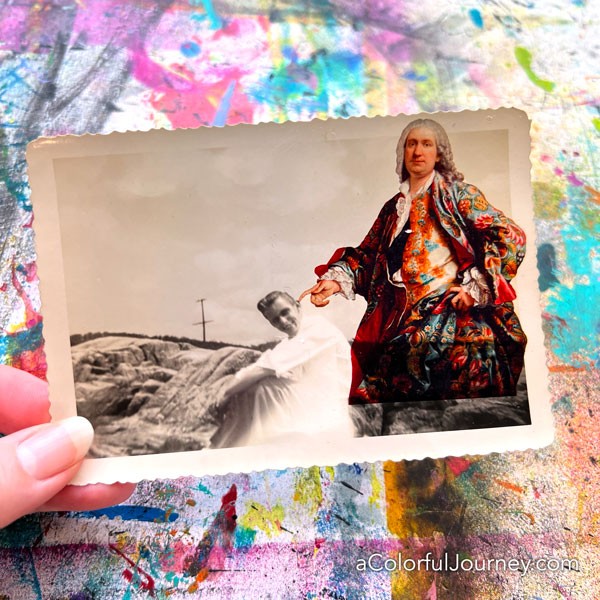
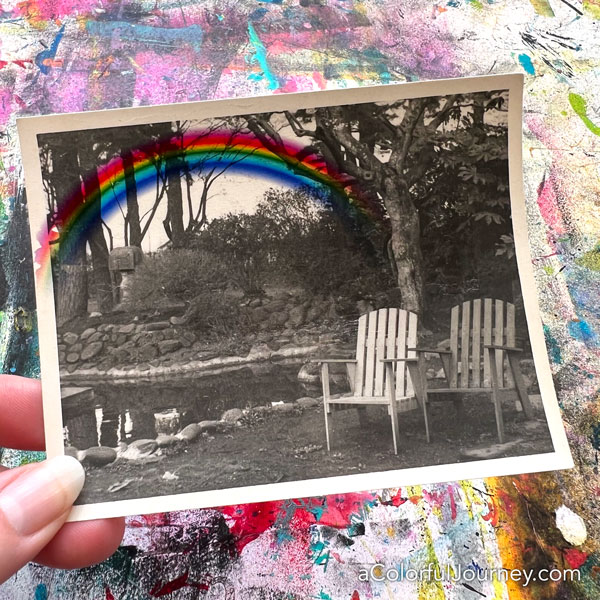
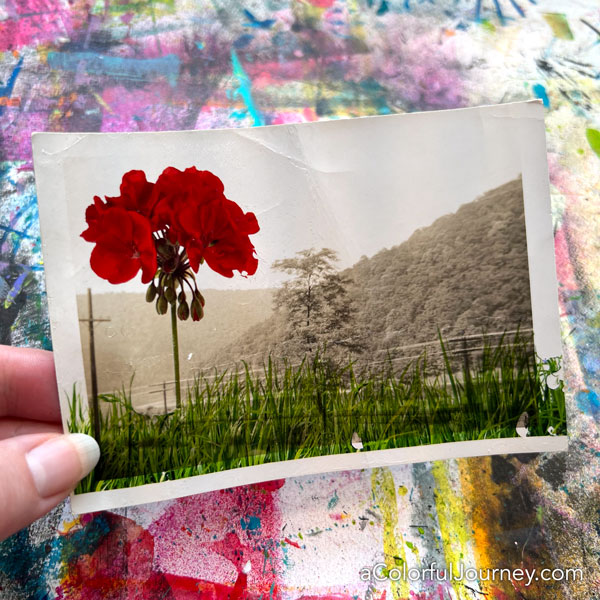
Can you do an image transfer ON a vintage photo? Absolutely! This turned out to be a great way to have fun with some of the black and white photos I’ve got that aren’t my favorite. Well, they weren’t until I put these playful pops of color on them using InkAid’s image transfer process.

She now has a story to tell as she towers over the city with such a look on her face. Love how the photo comes through in her dress!

What led me to doing this image transfer? Nothing logical or grown up. I was feeling playful and silly so I went for it!

Seeing a rainbow is a rare treat, but when I’m doing image transfers I can add them to ANY photo any time!

You can do multiple transfers on an image. This transfer required two different transfers and in the video you’ll see why I clipped just a little bit of the Transfer film. Spoiler alert, I was impatient.

What will I do with these silly playful photos? They are now fodder for my art journal, for a card, for a collage, or anything else I create. With the colorful images added to them, there are stories waiting to be told! So keep an eye out for them popping up again in the play.

If you’re new to InkAid image transfers, I’ve got a video below from my last post that goes in depth on the process.

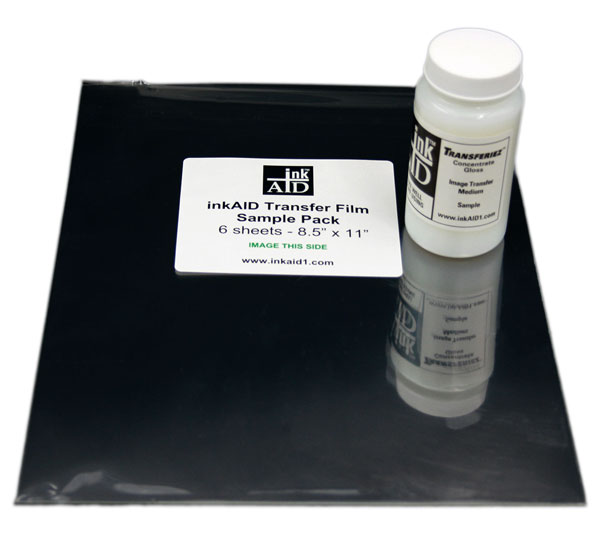
If you’re interest in trying InkAid’s image transfer process, they’ve got a Starter kit with 6 sheets of the transfer film and a 4oz. bottle of the Transferiez concentrate (which goes a very long way!).

The colorful images I’ve used are all from Mischief Circus. Unfortunately, that store is not open any longer. The individual designers are:
***itKuPiLLi for the blue woman. They’ve moved to an etsy store, so check out all their designs!
***Songbirdy for the image of the man. I have no idea if they have a new shop. If you know of it, please let me know in the comments.
***Holliewood Studios for the rainbow, grass, and geranium. She has retired, which I’m happy for her but bummed for us because she had great digital kits.

Those images might not be available, but if you’re curious about image transfer and would like some images to get started with, I’ve got a full sheet of free printables for you.

Granted, they aren’t the ones I’ve used in the video but they are a place for you to give image transfer a try. There’s also a printable reference guide for making InkAid image transfers in there too.

{ 4 comments }